
Resources for Born-Digital Archives
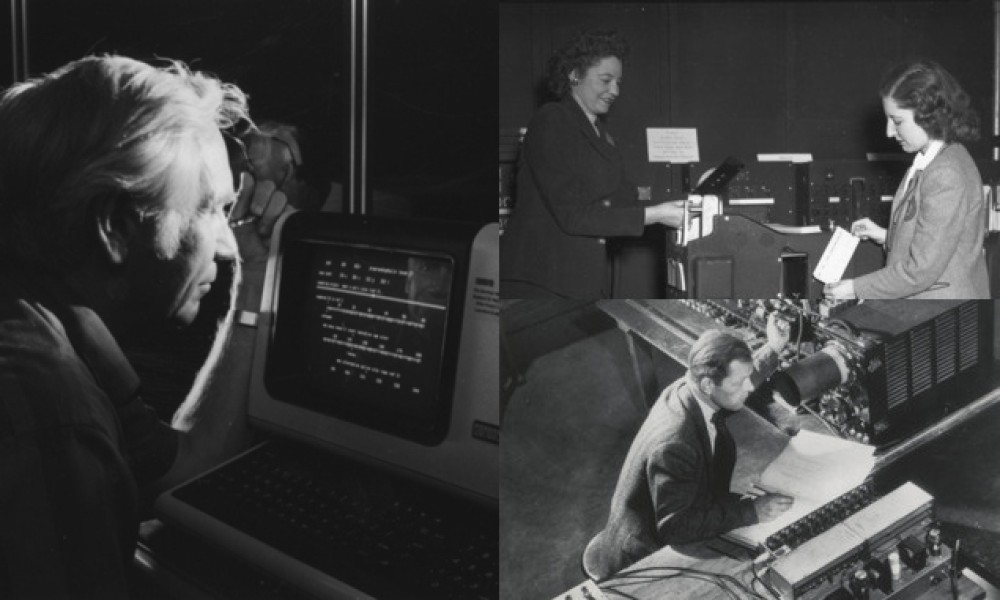
Born-digital materials are files created and stored in a digital environment: from email inboxes, to Word documents, to photos on your phone. As life becomes more and more digital, so too are archival collections. Current and future research will rely on access to born-digital files.
Born-digital archiving at the American Philosophical Society is a nascent and ongoing project. Many collections at the APS contain born-digital materials, and the Digital Archivists are improving on existing processing and descriptive standards to preserve materials and make them accessible to researchers, both on-site in our Reading Room and through the digital library. Learn more about the born-digital program at the APS and explore resources pertaining to curating your born-digital materials below.
Finding Aid Examples
- Horace Freeman Judson Collection An in-progress APS Finding Aid example of how born digital materials might fit into a larger archival collection that includes physical materials.
- Examples from Yale University Archives Example Finding Aids at the Yale University Archives and links to Finding Aids from other institutions.
Tips for Personal Digital Archiving
Donors can take significant steps in organizing their digital materials prior to depositing them at the APS. These resources guide you through a number of considerations and habits for developing personal digital archival practices:
- University of Michigan's Guide to Digital Archiving A guide detailing what digital archiving is, first steps in archiving your digital materials, and explaining important concepts related to digital archiving.
- A Queer Guide to Personal Digital Archiving by the Lesbian Herstory Archives A blog post that goes in depth in starting a digital collection. Details resources for digitizing materials, bulk downloading, social media archiving, file formats, and storage considerations.
- Library of Congress Personal Digital Archiving page A page with some tips on identifying, deciding, organizing, coping, and managing your digital materials.
- 11 Ideas for How to Organize Digital Files By Microsoft 365 A guide that goes different ways to organize your files focusing on file structure and file naming.
Email Archiving
Email records can be a significant tool for researchers. Ensuring that your email is able to be preserved requires not only specific processes on the Digital Archivist's end, but also vigilant curation by the donor. This is especially true given the dependence of your email on an institutional host. Policies surrounding access to your email after leaving an active affiliation with an institution can vary, even between different schools within the same institution. Below are a few example retention policies. Contact your institution's IT department for specific and up-to-date information regarding the retention of your email.
- Harvard University: 30 days (FAS, DCE, SEAS faculty) or 90 days (HKS faculty)
- Princeton University: 1 day
- Stanford University: 120 days
- University of Chicago: 45 days
- Johns Hopkins University: 90 days to transfer important emails to new retiree email
Resources
- Preparing Email for Donation guide by the University of Buffalo [PDF]: This guide details how to export inboxes from Gmail, Outlook, Outlook 2016, Mail for Mac, Thunderbird, AOL, Yahoo, and Lotus Notes.
- A Human Approach to Email Archiving: What to Keep, Why to Keep It, and How to Start : This blog post explains how to approach archiving your email before submitting it to an archive.
- Stanford Email Archival Collections Homepage A page that houses the discovery modes of email collections at Stanford University